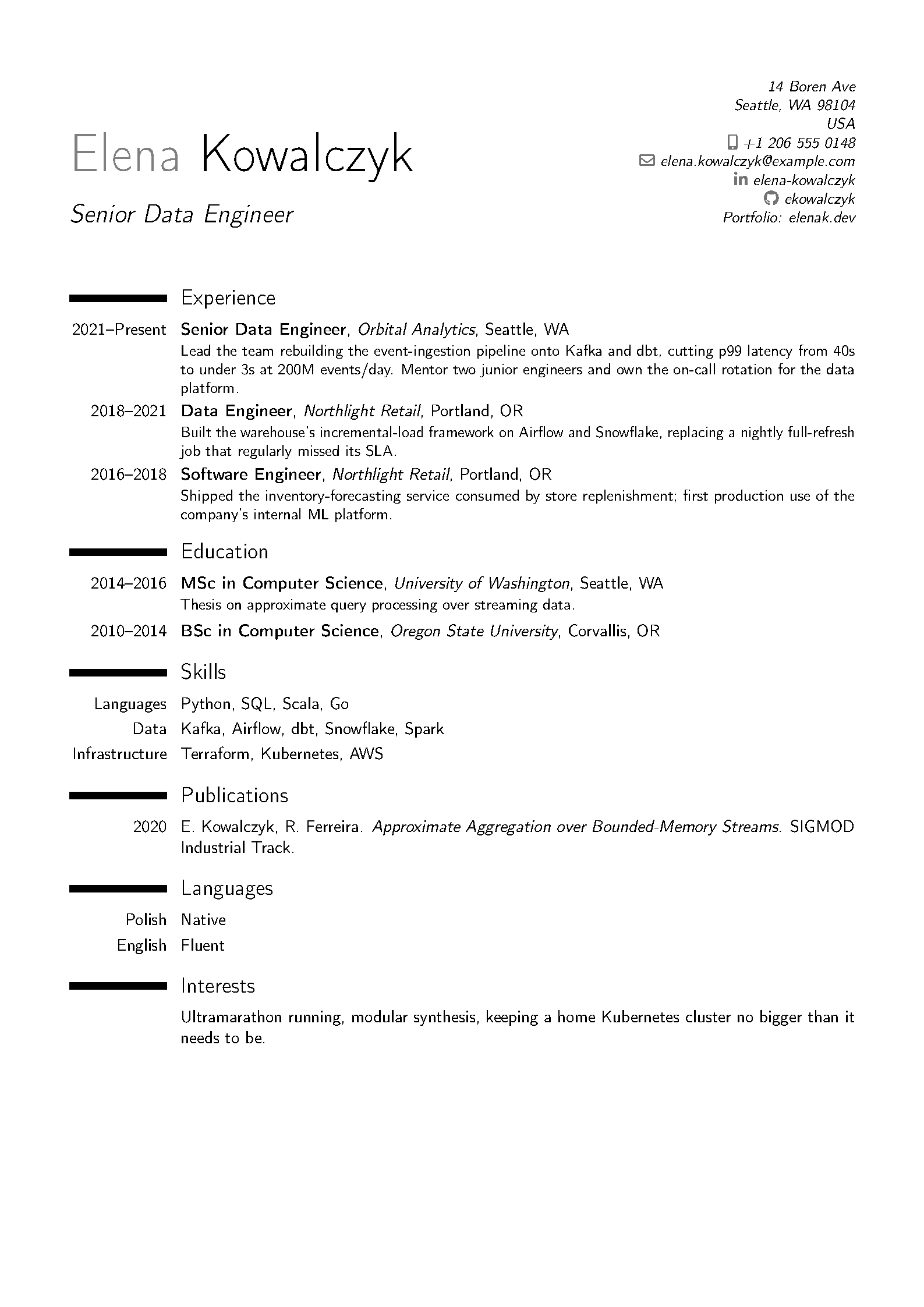
What is moderncv?
moderncv is a long-established LaTeX class for CVs and cover letters, distributed on CTAN. This starter uses it with the classic style. The CV has your name in large type on the left, your address and contact details on the right, and below that a series of sections. Each section has a bar in the left column next to its heading, and dates sit in that left column beside each entry.
The download has two files that you compile separately: main.tex for the CV and cover_letter.tex for a letter that uses the same name, address and email. They produce two PDFs.
Who it suits
- Job seekers who want a CV and a matching cover letter without designing either.
- Applicants with a longer CV, since the example includes sections such as Publications, Languages and Interests.
- Anyone who wants a class that comes with their TeX distribution and has many built-in styles.
For a plainer, one-page resume without a matching letter, see Jake’s Resume.
How to edit it
Personal details. Set them in the preamble in both files: \firstname, \familyname, \title, \address{street}{city}{country}, \phone[mobile]{...}, \email{...} and \social[linkedin]{...}. The CV adds \extrainfo for a free-text line.
CV entries. \cventry takes six arguments: years, title, employer, city, grade, and a description.
\section{Experience}
\cventry{2021--Present}{Senior Data Engineer}{Orbital Analytics}{Seattle, WA}{}
  {What you built or led, and the result.}
The fifth argument is left empty in the example. Use \cvitem{label}{text} for skills and other label-and-text rows.
The letter. Fill in \recipient{name}{address}, \subject{...}, \opening{...} and \closing{...}. Write the body between \makelettertitle and \makeletterclosing.
Tips
- Change
\moderncvstyleand\moderncvcolorfirst; they restyle the whole document with no layout work. - Delete sections you don’t need, such as Publications or Interests, to keep the CV short.
- Keep the personal details identical in both files so the CV and the letter look like one application.
- The
geometryoptionscale=0.85sets the text area; raise it for narrower margins.